
 English
  Malay
Malay Where to Find Your Thailand Digital Arrival Card QR Code
A complete guide to locating, saving, and presenting your TDAC QR code for smooth immigration processing
Understanding the Thailand Digital Arrival Card QR Code
The Thailand Digital Arrival Card (TDAC) QR code is a unique digital identifier generated after you successfully submit your online arrival form. This QR code serves as your digital proof of TDAC completion and must be presented to immigration officers upon arrival in Thailand.
Starting from May 1, 2025, all foreign nationals entering Thailand are required to complete the Thailand Digital Arrival Card within 72 hours before arrival. The system generates a unique QR code that contains all your submitted information, allowing for faster processing at immigration checkpoints.
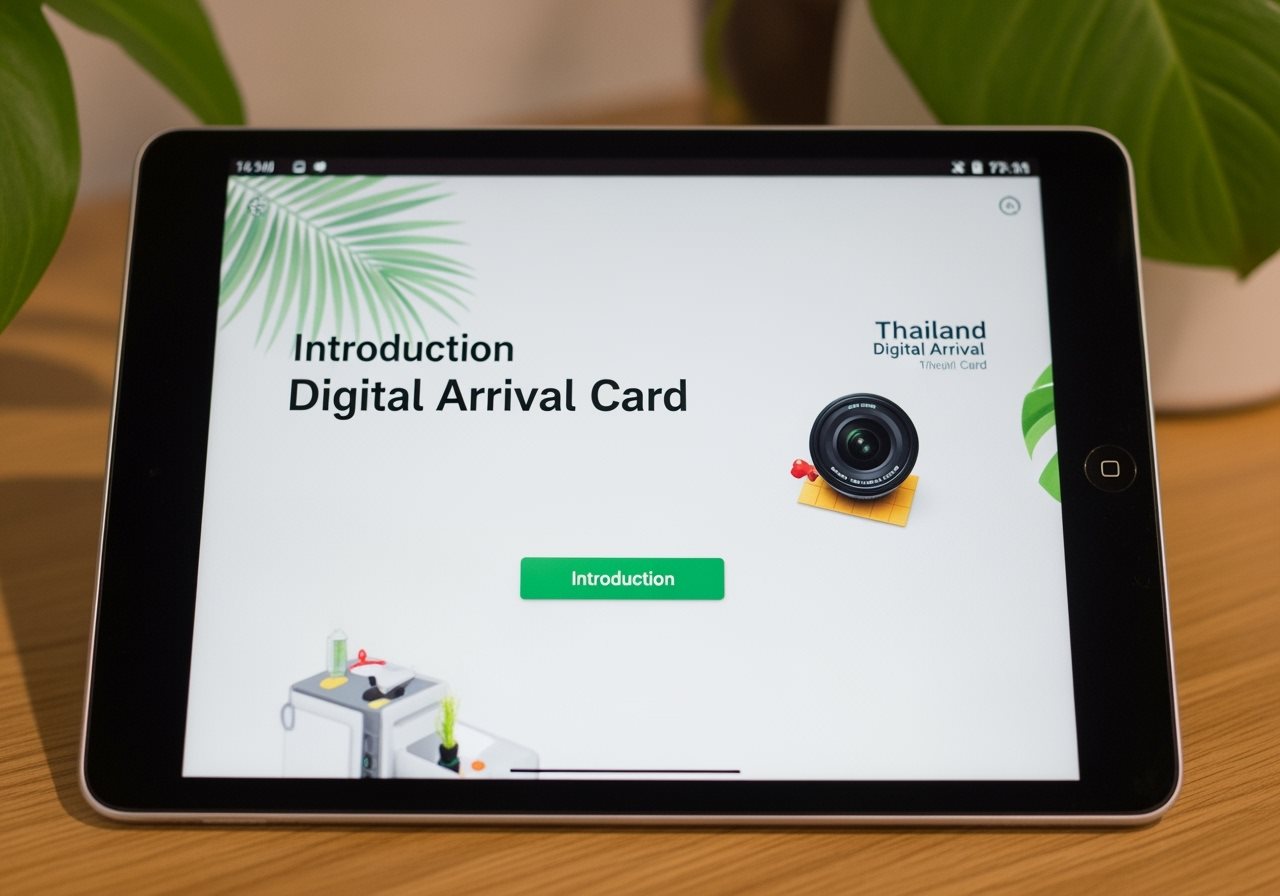
How to Access Your TDAC QR Code
Follow these simple steps to obtain your QR code
-
Visit the Official TDAC Website
Go to the official Thailand Immigration website at https://tdac.immigration.go.th to submit your digital arrival card. -
Complete the Online Form
Fill out all required sections including personal information, travel details, accommodation information, and health declarations. -
Submit Your Application
After reviewing all information for accuracy, submit your TDAC application online. -
Receive Confirmation Email
Within minutes of submission, you'll receive a confirmation email containing your unique QR code.
Where to Locate Your QR Code After Submission
Once you've successfully submitted your TDAC, your QR code can be found in several locations:
- Check your email inbox for the TDAC confirmation message
- The QR code will be attached as a PDF document
- If not in inbox, check your spam/junk folder
- Email typically arrives within 1-5 minutes of submission
- Log back into the TDAC website using your passport number
- Use the "Update Arrival Card" or "Retrieve Card" option
- Download your QR code directly from the portal
- Available 24/7 for easy access
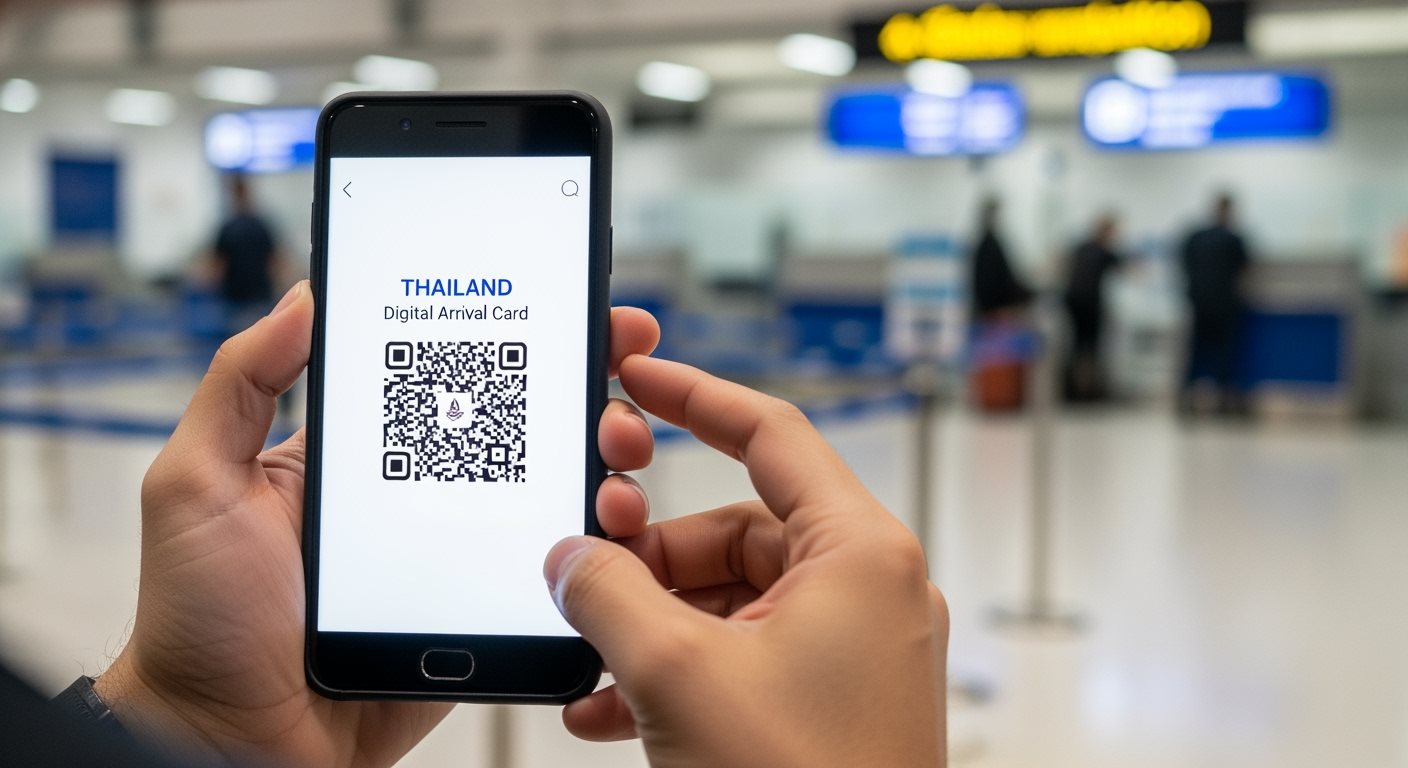
Saving and Storing Your QR Code
Ensure you have multiple copies for a stress-free journey
Save on Smartphone
Download the PDF to your phone's storage or take a screenshot of the QR code for quick access
Cloud Backup
Store copies in Google Drive, iCloud, or Dropbox to access from any device
Print Physical Copy
Print the QR code as a backup in case of device issues or battery problems
Keep Email Accessible
Ensure the confirmation email remains in your inbox for easy retrieval
Presenting Your QR Code at Immigration
When you arrive in Thailand, presenting your TDAC QR code correctly is crucial for smooth immigration processing. Here's what you need to know:
- Have it ready: Prepare your QR code before reaching the immigration counter
- Digital or printed: Both formats are accepted by immigration officers
- Clear visibility: Ensure the QR code is clearly visible and not damaged
- Additional documents: Present alongside your passport and boarding pass
To avoid any issues at immigration, make sure you understand the complete requirements for the Thailand Digital Arrival Card and learn about common mistakes to avoid when filling out your form.

Troubleshooting QR Code Issues
Quick solutions for common QR code problems
No Confirmation Email
Check spam folder, verify email address, or retrieve QR code from the TDAC website using your passport details.
QR Code Not Displaying
Try refreshing the page, clearing browser cache, or accessing from a different device or browser.
Lost QR Code
Visit the TDAC website, use "Update Arrival Card" option with your passport number and date of birth to retrieve it.
Frequently Asked Questions About TDAC QR Codes
Common questions about finding and using your QR code
Your TDAC QR code is valid for your specific travel dates as submitted in your application. The code must be used within 72 hours of your scheduled arrival in Thailand. If your travel plans change significantly, you may need to submit a new TDAC application.
Yes, immigration officers accept screenshots of your QR code as long as the image is clear and the code is fully visible. However, it's recommended to also have the original PDF file or a printed copy as backup.
If your QR code doesn't scan, immigration officers can manually verify your TDAC submission using your passport details. This is why it's important to have your confirmation email or reference number available as backup.
Printing is not mandatory, but it's highly recommended as a backup. Digital copies on your smartphone are perfectly acceptable, but having a printed version ensures you're prepared in case of device issues or low battery.
Ready to Complete Your TDAC?
Get your QR code and ensure smooth entry into Thailand
Fill Out TDAC NowSecure submission • Quick processing • Mobile friendly