
 English
  Malay
Malay How to Fill Out the Thailand Digital Arrival Card
Complete step-by-step guide to filling out your TDAC correctly and efficiently
Introduction to Thailand Digital Arrival Card
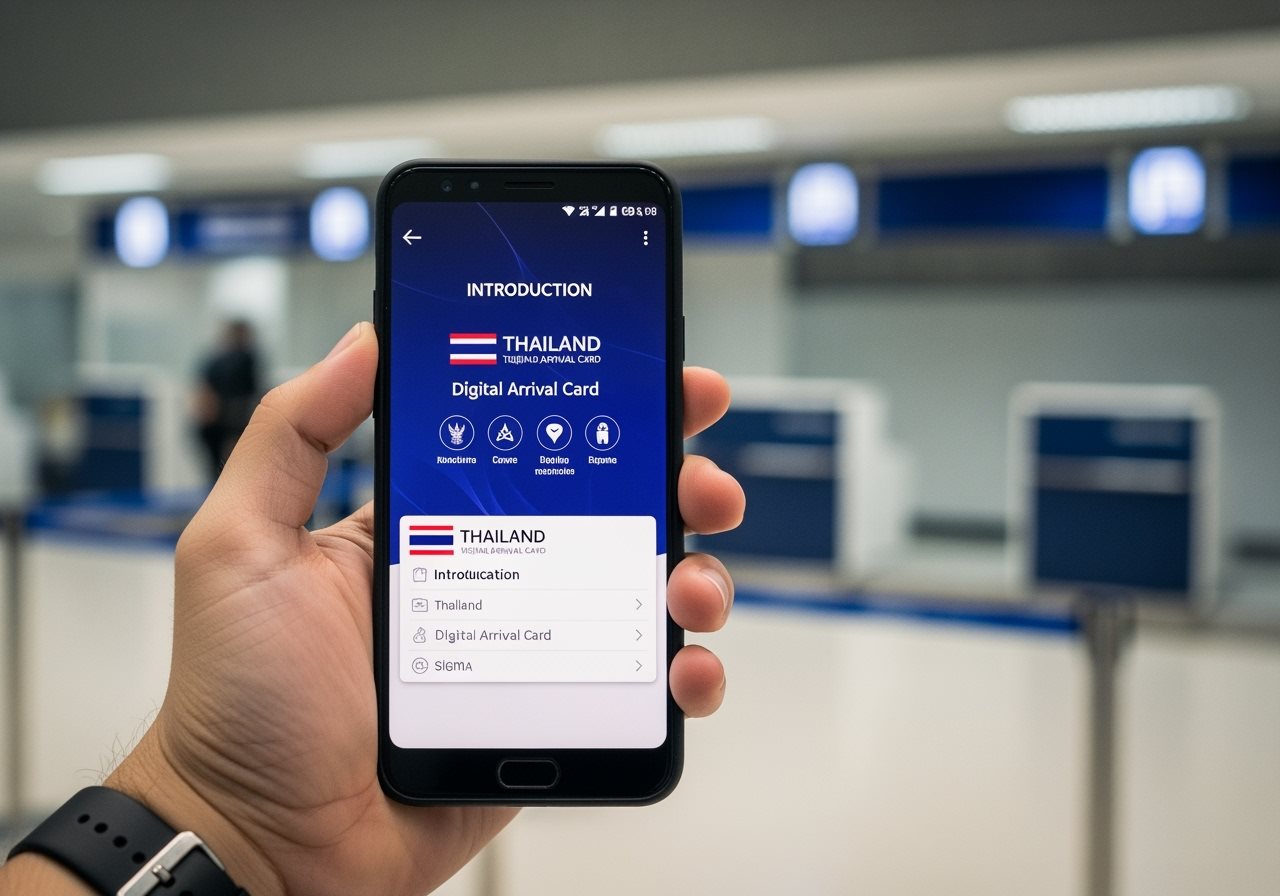
The Thailand Digital Arrival Card (TDAC) is a mandatory electronic form that all foreign nationals must complete before entering Thailand. This digital system replaced the traditional paper TM6 form on May 1, 2025.
The TDAC streamlines the immigration process by allowing travelers to submit their information online prior to arrival, whether entering by air, land, or sea. This digital approach enhances efficiency at immigration checkpoints and improves border security.
By completing the TDAC correctly, you ensure a smooth entry into Thailand and avoid potential delays or complications at immigration. This guide will walk you through every step of the process.
When to Submit Your TDAC
Timing is crucial for a successful TDAC submission
72 Hours Before Arrival
Submit your TDAC within 72 hours (3 days) prior to your arrival in Thailand
Including Arrival Date
The 3-day window includes your actual arrival date in Thailand
Avoid Early Submission
Submissions made earlier than 72 hours may be rejected by the system
On-Arrival Option
If needed, you can complete the form at airport kiosks upon arrival
Step-by-Step Guide to Filling Out the TDAC
Follow these simple steps to complete your Thailand Digital Arrival Card
-
Start the Procedure
Go to tdac.immigration.go.th and click on "Arrival Card" to begin your application. -
Choose Submission Type
Select individual submission for solo travelers or group submission for families (up to 10 people). -
Enter Personal Information
Fill in your passport details, personal information, and contact details accurately. -
Provide Travel Details
Enter your flight information, arrival date, and accommodation address in Thailand. -
Complete Health Declaration
Declare any countries visited in the past 14 days and health status if required. -
Review and Submit
Double-check all information for accuracy before submitting your application. -
Save Your Confirmation
Download or screenshot your QR code confirmation for presentation at immigration.

Required Information for TDAC Submission
Gather these documents and details before starting your application
- Full name (as shown on passport)
- Passport number and nationality
- Date of birth and gender
- Passport validity (minimum 6 months remaining)
- Flight number or vehicle details
- Arrival date and port of entry
- Purpose of visit (tourism, business, etc.)
- Duration of stay in Thailand
- Hotel name or accommodation type
- Complete address in Thailand
- Contact information (phone, email)
- Province and district details
Health Declaration Requirements
Important health information you need to declare
Countries Visited
You must declare all countries visited within 14 days prior to your arrival in Thailand. This information helps Thai authorities monitor potential health risks.
- List all countries visited in the past 2 weeks
- Include transit countries if you left the airport
- Provide accurate dates of visits
Yellow Fever Vaccination
Travelers from Yellow Fever endemic areas must provide proof of vaccination with an International Health Certificate.
- Required for travelers from affected countries
- Must present certificate at immigration
- Includes countries in Africa and South America
Countries requiring Yellow Fever vaccination include Angola, Brazil, Colombia, Kenya, Nigeria, and many others in Africa and South America.
Frequently Asked Questions
Common questions about filling out the Thailand Digital Arrival Card
Yes, you can update most information in your TDAC before travel by visiting the official website and using the "Update Arrival Card" option. However, certain key information cannot be changed:
- Full name (as shown on passport)
- Passport number
- Nationality and date of birth
If you need to change these details, you must submit a new TDAC application.
If you don't complete the TDAC before arrival, you may face:
- Delays at immigration checkpoints
- Requirement to complete the form at airport kiosks
- Potential denial of entry in some cases
While help desks are available at major airports, it's strongly recommended to complete the TDAC in advance to avoid complications.
Yes, the Thailand Digital Arrival Card is completely free to complete through the official government website. Be cautious of:
- Third-party websites that may charge fees
- Unofficial services claiming to process TDAC applications
- Scam websites that mimic the official portal
Always use the official website: tdac.immigration.go.th
After Submission: What to Expect
Once you've successfully submitted your TDAC, here's what happens next
Email Confirmation
You'll receive a confirmation email with your unique QR code
Save QR Code
Download or screenshot your QR code for immigration presentation
Present at Immigration
Show your QR code along with your passport upon arrival

Troubleshooting and Updates
If you encounter issues while filling out your Thailand Digital Arrival Card, here are some common solutions:
Invalid Data Error
This usually occurs due to incorrect passport number format or travel dates outside the 72-hour window. Double-check all information and ensure you're submitting within the correct timeframe.
Mobile Device Issues
Some users report better success using desktop computers rather than mobile devices. If you experience problems on your phone, try using a laptop or computer instead.
Missing Confirmation Email
Check your spam folder and ensure you entered the correct email address. You can also retrieve your TDAC using your passport number on the official website.
Ready to Complete Your Thailand Digital Arrival Card?
Follow our step-by-step guide for a smooth entry into Thailand
Start Your TDAC ApplicationOfficial government portal • Free application • 24/7 support available